







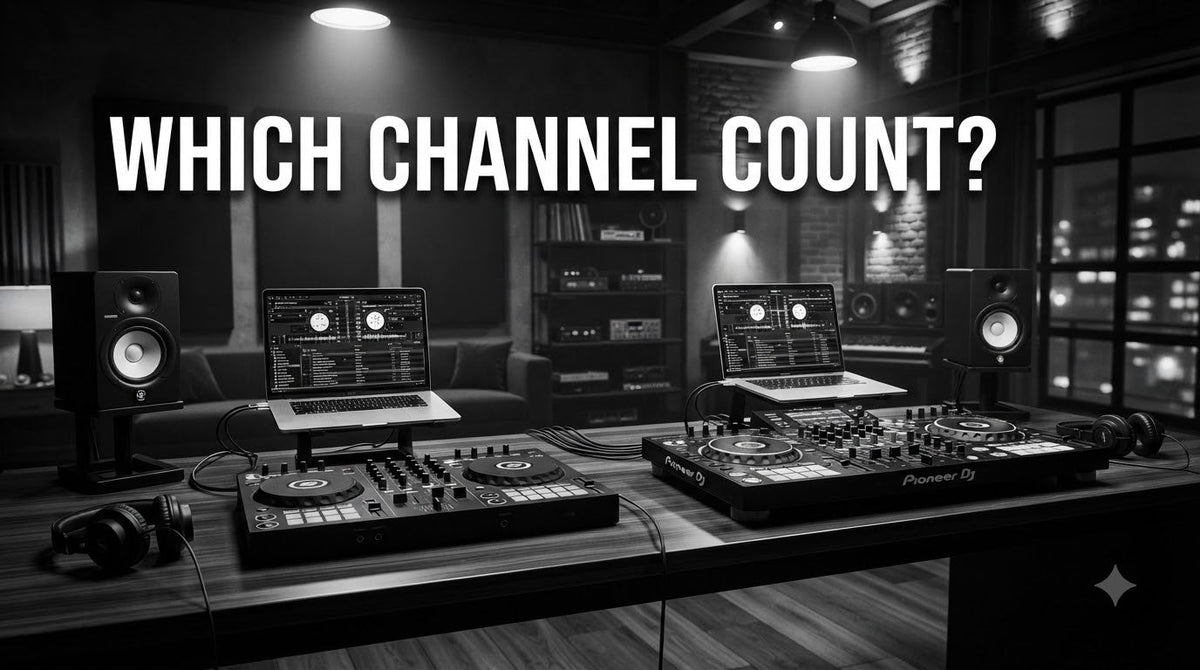
The costliest mistakes when choosing between a 2 vs 4 channel DJ controller aren't about spending too little — they're about buying channels you'll never use, or too few for how you actually play. Buyers overpay for four decks they never touch, ignore software compatibility, or confuse channels with jog wheels. Avoid the seven pitfalls below and you'll pick the right controller the first time, whether you spend ₹25,999 or ₹90,000. For the full explainer behind these tips, see our 2 vs 4 channel DJ controller guide.
1. Buying four channels to "future-proof"
This is the single most common mistake first-time buyers make. Beginners buy a 4-channel controller assuming they will grow into it, then use only two decks for years while paying more and managing extra clutter for nothing. Buy for how you play now — a 4-deck-capable 2-channel unit like the Reloop Neon (₹25,999) already leaves room to grow without the price of a full four-channel deck.
2. Choosing two channels when your style needs four
The opposite error trips up buyers who already know how they want to perform. If you plan to layer acappellas, run mashups or play busy open-format sets, two channels will frustrate you within weeks because you simply run out of decks to mix. Serato and rekordbox performers who routinely blend three or four tracks should look at a 4-channel unit like the Reloop Mixon 8 Pro (₹89,999) from the start.
3. Confusing channels with jog wheels
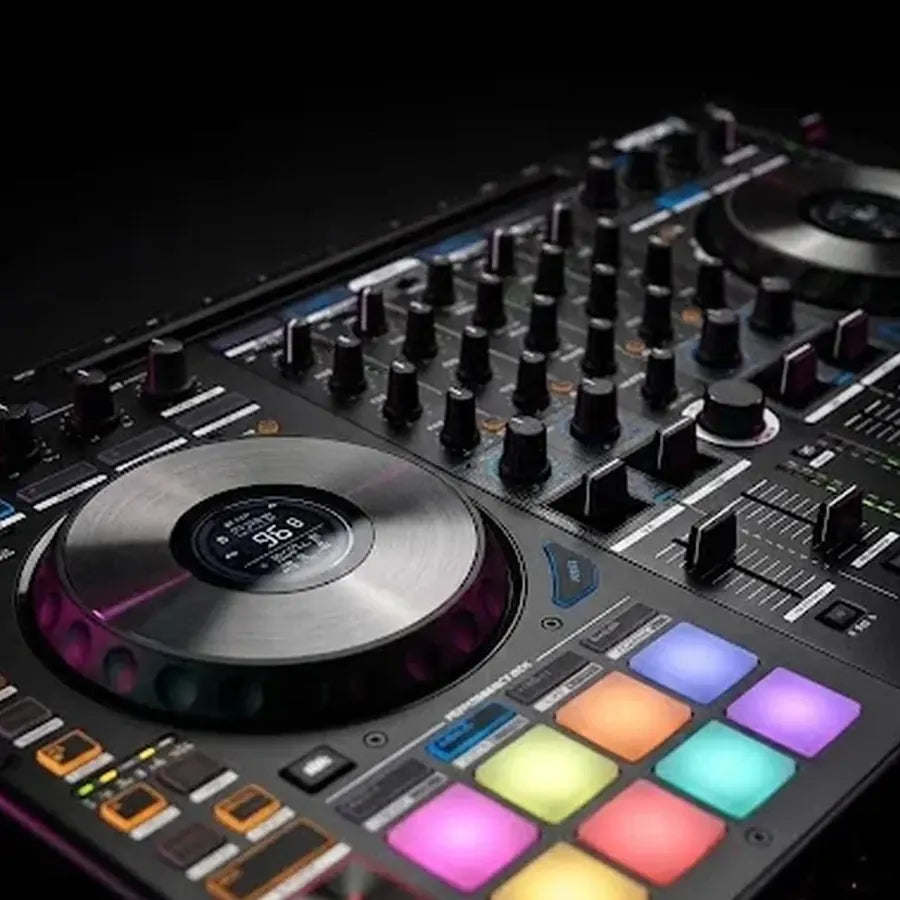
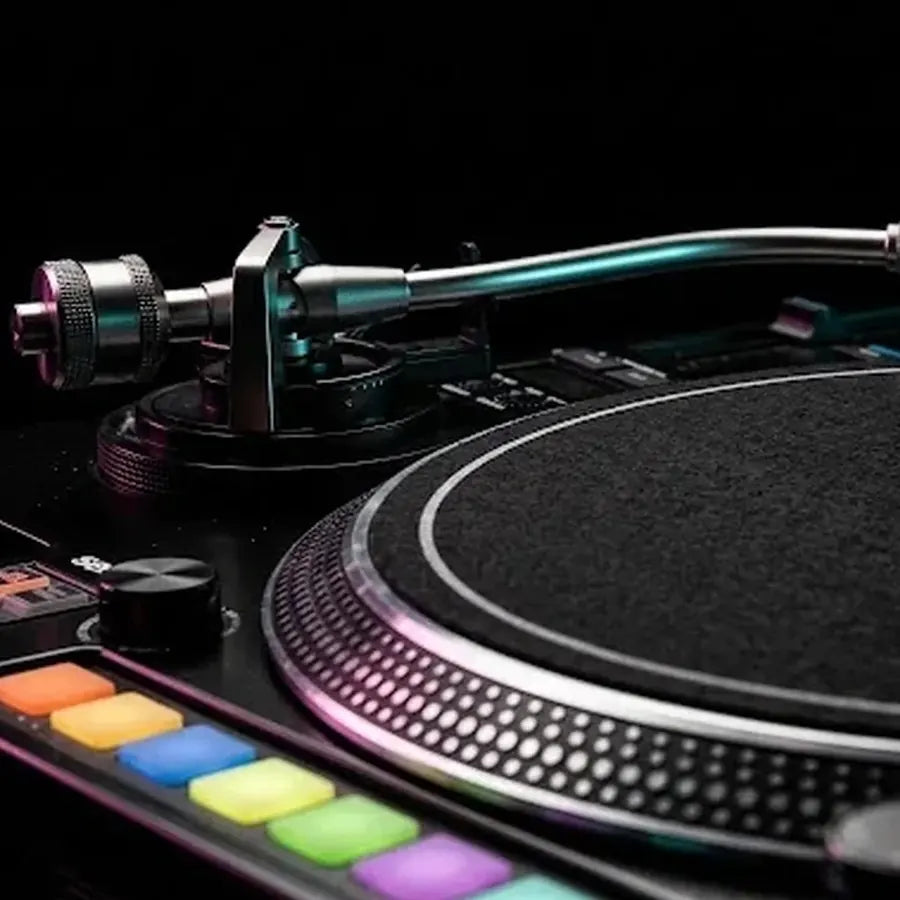
A controller advertised as "4-channel" is not always a physical 4-deck one, and the two numbers can mislead you. Some two-deck controllers offer four channels through a deck-switch button, letting the same jog wheels flip between decks 1/3 and 2/4. Read the spec carefully so you know exactly whether you are getting four physical platters or two platters that address four channels underneath.
4. Ignoring software compatibility
Channel count means nothing if the controller isn't mapped for the DJ software you intend to use. Serato, rekordbox, djay and VirtualDJ are all third-party, and unlocking every channel on a bigger unit often requires the paid "Pro" tier rather than the free one. Confirm your chosen controller supports your software before buying — PlayMix supplies the compatible hardware, not the software itself.
5. Thinking more channels means better sound or skill
Extra channels add creative options, not audio quality or talent. A clean, well-phrased two-channel mix beats a cluttered four-channel one every single time, and no amount of decks compensates for shaky beatmatching. Don't let channel count stand in for the fundamentals — phrasing, EQ blends and reading the room matter far more than how many faders you own.
6. Overlooking size, weight and desk space
Four-channel controllers are noticeably bigger and heavier than two-channel units. If you are a mobile DJ hauling gear to different venues, or you are simply short on desk space at home, that extra footprint becomes a real daily cost you feel every time you set up. Match the body of the controller to where you will actually play and travel, not just to the channel count on the box.
7. Skipping the try-before-you-commit path
You don't have to gamble a large budget on a guess. Many DJs start on a compact, affordable 2-channel controller, learn from real sets what they truly need, and then upgrade with genuine confidence. That path wastes far less money than buying a pricey 4-channel deck up front and discovering, months later, that two channels was always enough for the way you play.
Frequently asked questions
Is it a mistake to buy a 4-channel controller as a beginner?
Usually, yes. Most beginners use only two decks for a long time, so a 4-channel controller adds cost and complexity you will not use. A 2-channel unit that is 4-deck capable is a smarter, cheaper start that still leaves room to grow.
How do I know if I actually need four channels?
You need four if you layer multiple tracks, mix acappellas over instrumentals, scratch, or play open-format sets that jump between genres. If you mainly blend two songs at a time for parties or club warm-ups, two channels are enough.
Does a 4-channel controller have better sound quality?
No. More channels give you more mixing options, not better audio. Sound quality depends on the build, the outputs and your DJ software — not on how many channels the controller has.
What's the safest way to choose between 2 and 4 channels?
Start on a capable 2-channel controller, learn from real sets what your style demands, and upgrade only if you genuinely outgrow two channels. It is far cheaper than overbuying and being left with unused decks gathering dust.
Choosing your first or next controller? Compare 2-channel and 4-channel options side by side in the DJ controller collection and buy the right one once.