







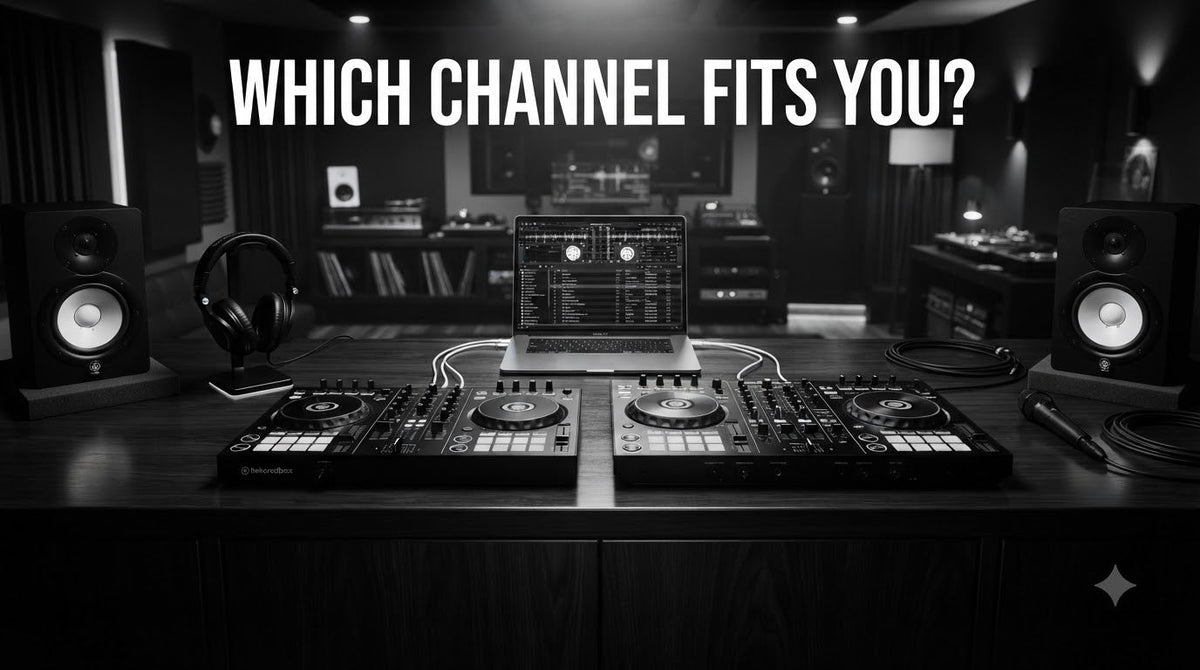
The choice between a 2 vs 4 channel DJ controller comes down to how many music sources you can mix at once: a 2-channel unit blends two decks, while a 4-channel unit lets you layer up to four tracks, samples or loops together. For learning to beatmatch, playing house parties and most club sets, two channels is genuinely all you need. Four channels only earns its higher price once you mix multiple genres live, layer acappellas over instrumentals, or run advanced transitions. This guide explains exactly what a channel is, who each type suits, and the real India prices so you buy once and buy right.
What a "channel" actually means on a DJ controller
A channel is a single mixer strip that carries one audio source, each with its own volume fader, EQ knobs and cue button, so the channel count tells you how many things can be playing and controllable at the same time. On a 2-channel controller you get two of these strips, which map to two decks (Deck A and Deck B) — enough to fade one song into the next, the core skill of DJing. A 4-channel controller adds two more strips, letting you run four decks or route extra sources such as a sampler, a microphone or a second phone through the mixer. It is important not to confuse "channels" with "decks" or "jog wheels": some controllers have two physical platters but four software channels, so always check how many the software actually addresses.
2 vs 4 channel DJ controller: quick comparison
The fastest way to decide is to match the format you play to the number of channels it demands, rather than buying the biggest unit and hoping to grow into it. The table below lays out the practical differences, and the prose underneath explains the trade-offs each one hides. Read it as a shortlist, then confirm your pick against the sections that follow.
| Factor | 2-Channel Controller | 4-Channel Controller |
|---|---|---|
| Sources you can mix | Two decks at once | Up to four decks / sources |
| Best for | Learning, parties, most club sets | Multi-genre, mashups, layering, open-format |
| Learning curve | Gentle — master the fundamentals | Steeper — more to manage live |
| Size / portability | Compact, bag-friendly | Larger, needs more table space |
| India price band | From ~₹25,999 | ~₹85,000 and up |
Notice that the jump from two to four channels is also a large jump in price and desk space, not just capability. That gap matters because a beginner who buys four channels usually spends the first year using only two of them — paying for headroom they may never grow into. Buy for the sets you will realistically play in the next 12 months, not an imagined future one.
When 2 channels is the right choice
Two channels is the correct answer for the overwhelming majority of DJs, and there is no shame in it — plenty of touring professionals still play two-channel sets. If you are learning to beatmatch, playing weddings, house parties, bars or single-genre club nights, you spend nearly all your time transitioning from one track to the next, which is a two-deck task. A 2-channel controller keeps your attention on the fundamentals — phrasing, EQ mixing and reading the crowd — instead of scattering it across four decks. The Reloop Neon (₹25,999) is the most affordable way into proper DJing at PlayMix: a modular 2-channel pad controller that pairs with Serato DJ and is small enough to slip into a backpack.
When 4 channels genuinely earns its price
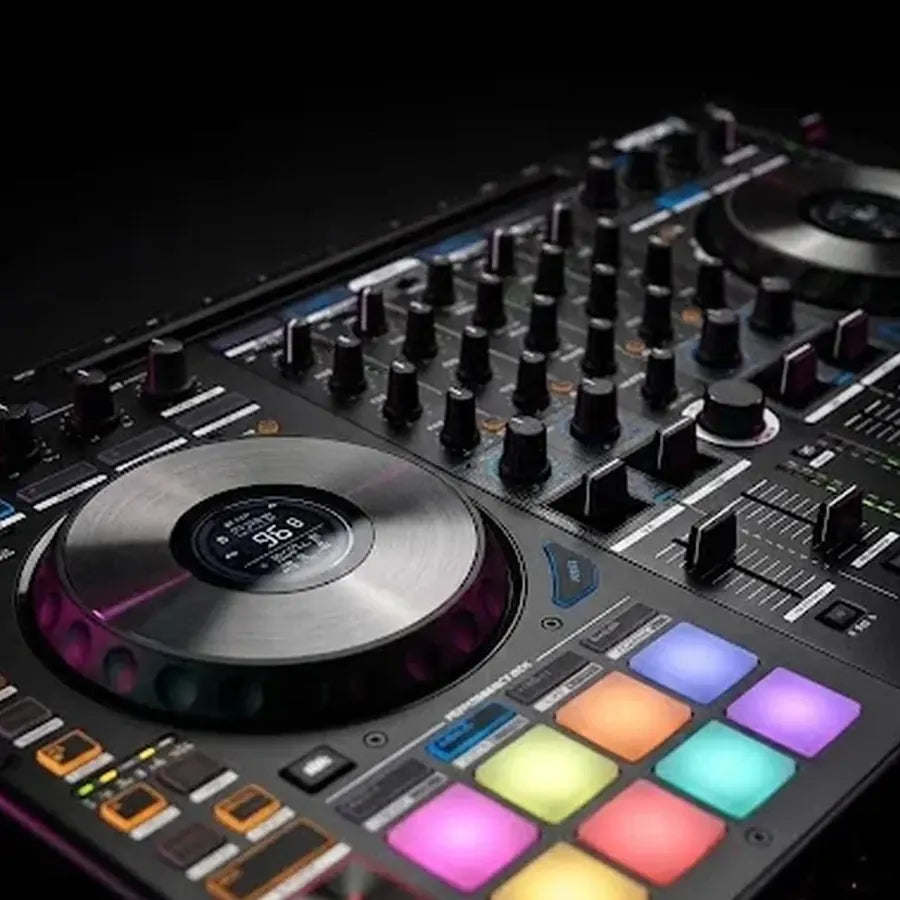
Four channels stops being a luxury and becomes a tool once your sets involve more than two things playing at once. Open-format and mashup DJs use the extra decks to layer an acappella over an instrumental, drop a loop or sample under a live track, or bridge two genres with a third song holding the transition together. Mobile and wedding DJs sometimes route a microphone and backing music through separate channels for clean announcements. The Reloop Mixon 8 Pro (₹89,999) is a 4-channel workhorse that runs both Serato DJ Pro and rekordbox, while the Pioneer DJ DDJ-REV5 (₹94,999) offers a battle-style 4-deck layout with stems control for creative layering.
Channels vs decks vs jog wheels — clearing the confusion
These three terms are constantly mixed up in product listings, and confusing them is how people buy the wrong unit. Understanding each one separately makes spec sheets far easier to read and stops you paying for capability you misread.
- Channels are mixer strips: Each channel is one fader-and-EQ path through the mixer, and it defines how many sources can be live simultaneously. This is the number that actually determines whether you can layer four tracks or only blend two.
- Decks are software players: A deck is a virtual turntable that holds one track, and a 4-channel controller usually exposes four decks even if it has only two physical jog wheels. You switch a platter between decks with a "deck select" button, so two wheels can drive four decks.
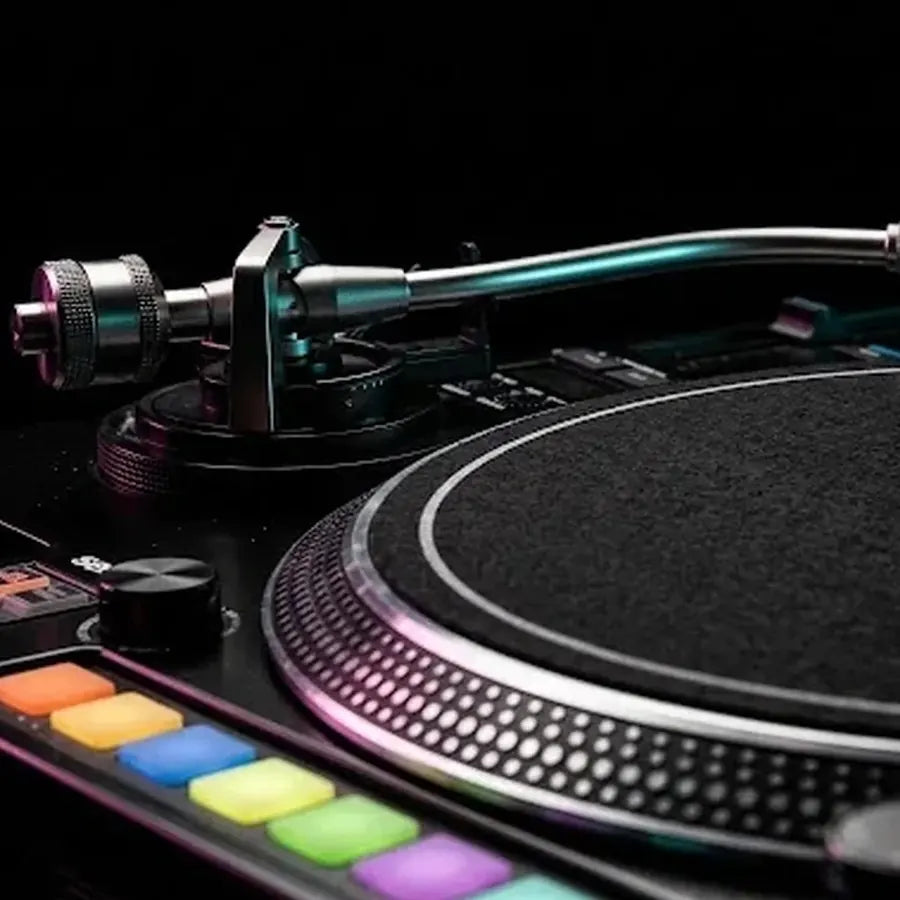
- Jog wheels are the physical platters: These are the spinning discs you touch to nudge, scratch or cue, and their count is about hands-on control rather than mixing capacity. A controller can have two large jog wheels yet still address four software channels underneath.
The takeaway is simple: read the channel count to know your mixing ceiling, the deck count to know your layering potential, and the jog-wheel count to know your hands-on feel — they are three different numbers.
Software and the DVS factor
Whichever channel count you choose, the controller is only half the setup — the DJ software does the mixing, and the channel count has to be supported by your software tier. Two-channel units typically ship with the free or "lite" version of Serato DJ or rekordbox, which is all a beginner needs to run two decks. Unlocking all four channels on a bigger controller usually requires the paid "Pro" tier of the software, so factor that into a four-channel budget. Remember too that PlayMix supplies compatible hardware; the software (Serato, rekordbox, djay, VirtualDJ) is a third-party download, so always check a controller's supported-software list before buying, so the channels you paid for actually light up.
How to choose without overspending
The honest rule is to buy for the music you play now and upgrade only when a real limitation appears in your sets. If you are still learning transitions or you play mostly one genre, a 2-channel controller like the Neon gets you gigging for a fraction of the cost and teaches the skills that transfer to any bigger unit later. If you already know you will mash up genres, layer vocals or run mobile events with microphones, a 4-channel unit is a sound investment rather than an indulgence — and a beginner-focused walk-through of that decision lives in our companion guide, 2 vs 4 channel DJ controller for beginners. Either way, browse the full curated range in the DJ controller collection to compare units side by side.
Frequently asked questions
Do I need a 4-channel DJ controller as a beginner?
No. A beginner should learn on a 2-channel controller because nearly all of the core skill — beatmatching and transitioning between two tracks — happens across two decks. Four channels adds cost and complexity you cannot yet use, so most beginners are better served starting with two.
What can a 4-channel controller do that a 2-channel cannot?
It lets you have up to four sources playing and mixing at once, so you can layer an acappella over an instrumental, run samples or loops under a live track, or bridge genres with a third song. It also lets mobile DJs route a microphone through its own channel for cleaner announcements.
Is a 2-channel controller enough for club gigs?
For most club sets, yes — plenty of professional DJs play entire two-channel nights. You would only need four channels if your style specifically relies on layering multiple tracks or mixing several genres within a single transition.
How much do DJ controllers cost in India?
At PlayMix, 2-channel controllers start at ₹25,999 with the Reloop Neon, while 4-channel units such as the Reloop Mixon 8 Pro and Pioneer DDJ-REV5 sit around ₹89,999–₹94,999. The gap reflects both the extra channels and the larger, more feature-rich build.
Ready to pick your controller? Compare 2-channel and 4-channel decks in the curated DJ controller collection — from the ₹25,999 Reloop Neon to pro 4-channel units — and start mixing sooner.