

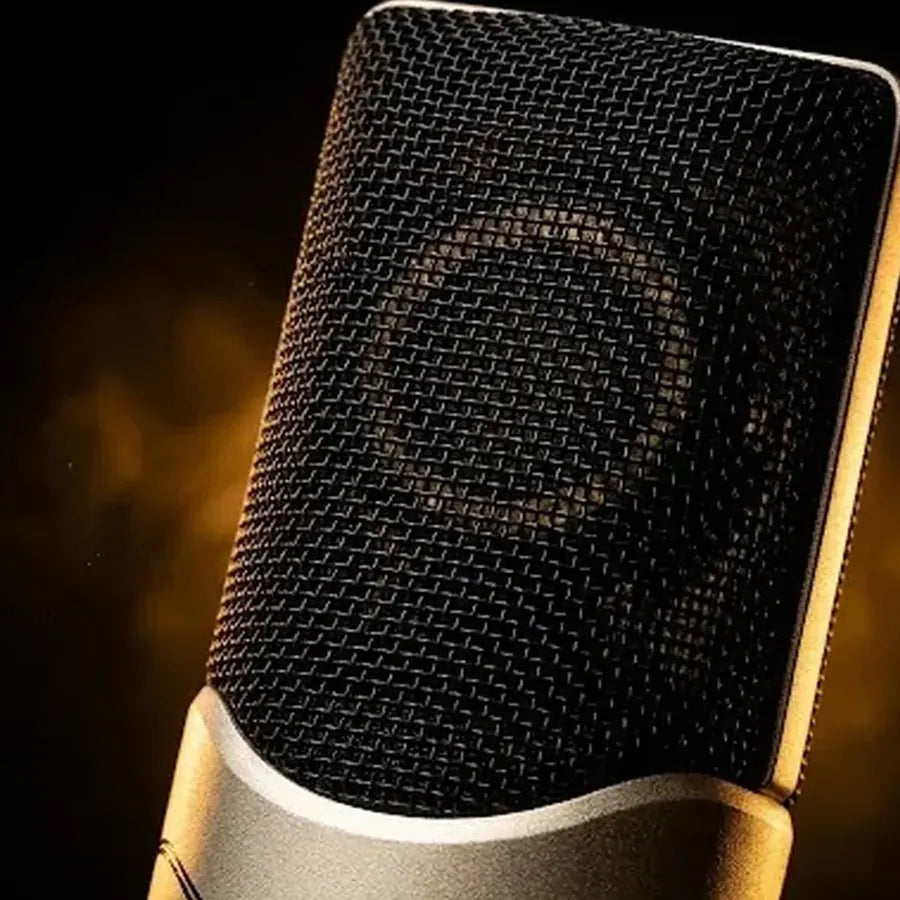





The worst streaming microphone mistakes in India aren't about spending too little — they're about the wrong mic type and sloppy setup. Streamers buy sensitive condensers for noisy rooms, sit too far from the mic, and skip monitoring entirely, then wonder why they sound amateur. Avoid the seven mistakes below and even an affordable dynamic like the Eikon EKD7 (₹4,630) will sound broadcast-clean. For the full breakdown by mic type, see our guide to the best microphones for streaming and gaming.
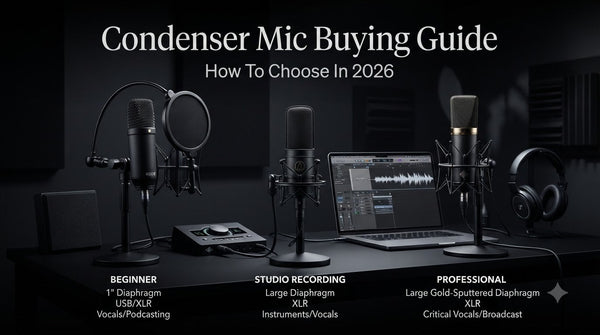
1. Buying a condenser for a noisy, untreated room
This is the single most common mistake, and it comes from copying studio advice that does not fit a bedroom. A condenser is highly sensitive, so in an untreated room it captures your keyboard, fan and wall echo just as clearly as your voice. A dynamic mic hears you up close and ignores most of that background, which is why it is almost always the better choice for home streaming and gaming.
2. Sitting too far from the microphone
A dynamic mic is designed to be used within a hand's width of your mouth, and sitting back defeats the whole point of it. When you are too far away you have to crank the gain, which brings the room and its noise right back up to your voice level. Get close, and the mic does its job of rejecting everything happening behind you.
3. Speaking straight into the mic and popping your Ps
Talking directly into the capsule blasts it with bursts of air on every "p" and "b," creating the harsh popping that instantly marks a stream as amateur. Angling the mic slightly and speaking across it, plus a cheap pop filter, tames those plosives at the source. This costs almost nothing and fixes one of the most jarring problems in home audio.
4. Setting your gain too high and clipping
Cranking the input so your voice sounds loud usually pushes your peaks into the red, where the audio distorts and cannot be repaired. Before going live, speak at your real streaming volume and set the gain so even your loudest laugh never clips. A few minutes of level-setting prevents the crunchy, distorted sound that no software can undo afterwards.
5. Streaming with no headphones for monitoring
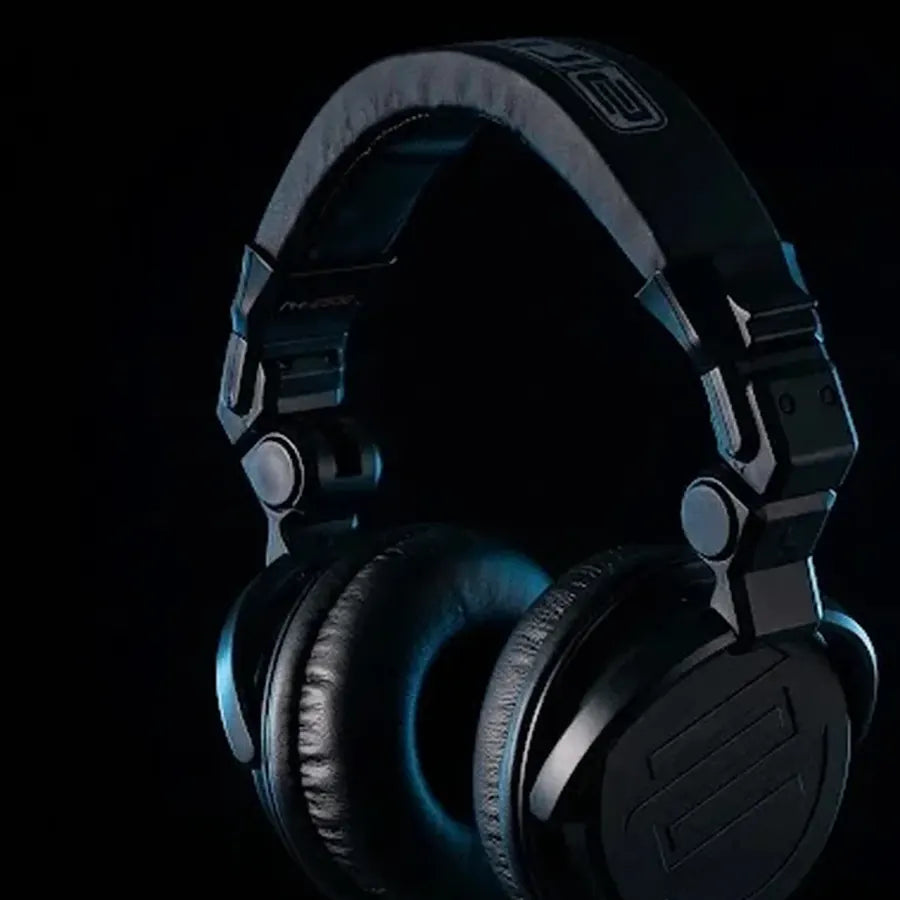
If you cannot hear yourself the way your audience does, you have no way to catch noise, pops or clipping in real time. Closed-back headphones such as the Sennheiser HD 280 PRO (₹7,250) give you an honest reference and stop your speakers bleeding back into the mic. Skipping monitoring is one of the biggest reasons beginners never notice their own audio problems.
6. Ignoring desk vibration and handling noise
Your mic picks up far more than your voice through whatever it is mounted on, including keyboard thumps, desk bumps and mouse clicks travelling up the stand. A shock mount isolates the capsule from those vibrations, and a boom arm keeps the mic off a desk that acts like a drum. These inexpensive additions remove a layer of distracting noise you may not even realise is there — see options in the microphones collection.
7. Chasing gear instead of fixing the room and technique
Many streamers buy mic after mic hoping the next one solves a problem that placement and acoustics actually cause. Soft furnishings, closer mic distance and correct gain fix more than any upgrade, and they cost nothing. Sort your technique and room first, and you will get far more out of whatever mic you already own before spending again.
Frequently asked questions
Why does my streaming mic sound bad even though it's expensive?
Usually it is the room and setup, not the mic — a sensitive condenser in an untreated space captures echo and noise no matter its price. Switching to a dynamic mic, getting closer and softening the room fixes far more than buying a pricier condenser.
What is the most common streaming mic mistake?
Buying a condenser for a noisy, untreated room. Condensers are wonderful in a treated studio but hear every keyboard click and echo at home, whereas a dynamic mic naturally rejects that background noise.
Do I need a pop filter and shock mount?
Both are cheap and make a real difference: a pop filter tames harsh plosives while a shock mount stops desk and keyboard vibration reaching the mic. Together they clean up your raw sound before any software processing.
How do I stop my mic picking up my keyboard?
Use a dynamic mic, get close so you can lower the gain, and mount it on a shock-isolated boom arm away from the desk surface. These steps together dramatically reduce keyboard and fan noise on stream.
Want clean audio without the guesswork? See dynamic mics, monitoring headphones and accessories in the microphones collection and set up your stream the right way.