







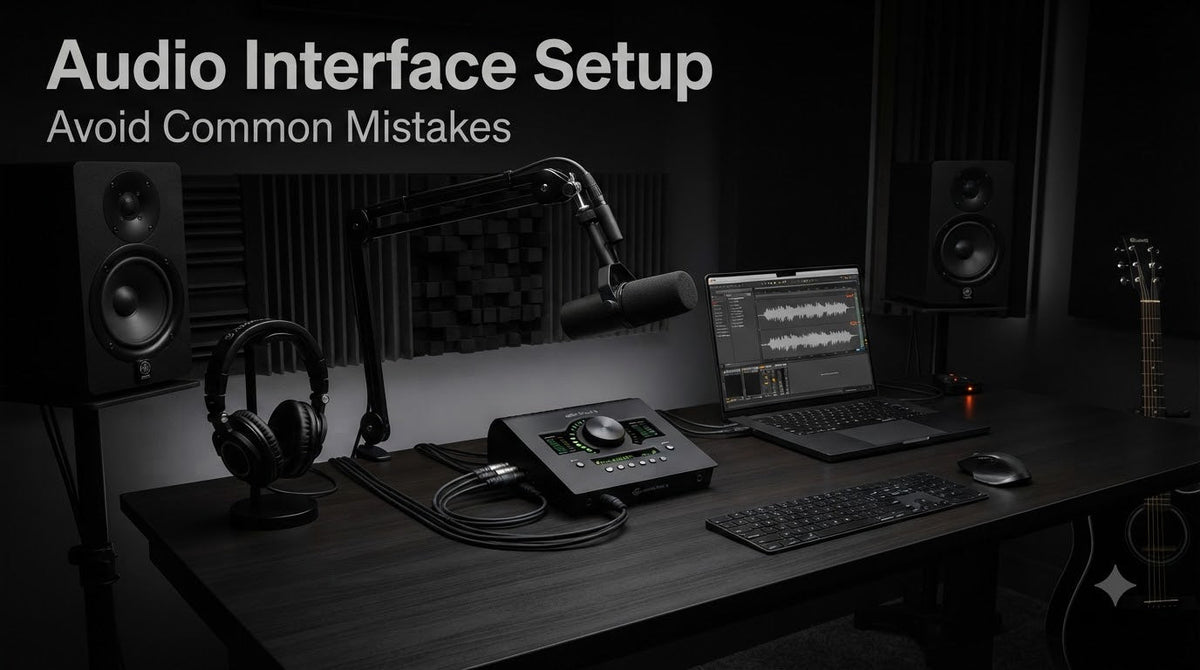
The best audio interface in India won't save a recording if the setup around it is wrong — and most home-studio problems are setup mistakes, not gear faults. Buyers routinely pay for inputs they never use, set gain badly, skip the driver, or blame the interface for what is really a noisy room. Avoid the seven mistakes below and even an entry-level interface delivers clean, professional-sounding takes. For the full buyer's breakdown, see our home-studio audio interface guide for India.
1. Buying more inputs than you'll ever use
An 8-input interface looks impressive, but most home creators record one part at a time and never fill more than two channels. Paying for six idle inputs is money that would transform your sound if spent on a better microphone or room treatment instead. Count the maximum sources you'll ever record simultaneously, add one, and buy for that — usually a 2-input unit is plenty.
2. Setting the gain wrong
Gain set too low leaves a weak, hissy signal you have to boost later; set too high, it clips into ugly digital distortion that can't be fixed. The fix is simple: perform at your loudest and raise the input gain until the meters peak comfortably below the red, leaving healthy headroom. This one habit does more for recording quality than almost any hardware upgrade.
3. Skipping the driver (or using the wrong buffer size)
Plugging in without installing the manufacturer's driver — especially the ASIO driver on Windows — leaves you with high latency and glitchy audio that feels like a hardware fault. Install it first, then set a low buffer size (for example 128 samples) while tracking so monitoring feels immediate, and raise it when mixing for stability. Getting this right removes the delay that makes so many beginners give up.
4. Blaming the interface for a noisy room
Hum, echo and background noise almost always come from the room and the mic position, not the converter inside the interface. A hard, empty room reflects sound and a fan or traffic bleeds into a sensitive condenser long before the electronics matter. Record in a soft-furnished corner, move the mic closer to the source, and you'll hear a bigger improvement than any interface swap could give.
5. Monitoring on open speakers instead of closed headphones
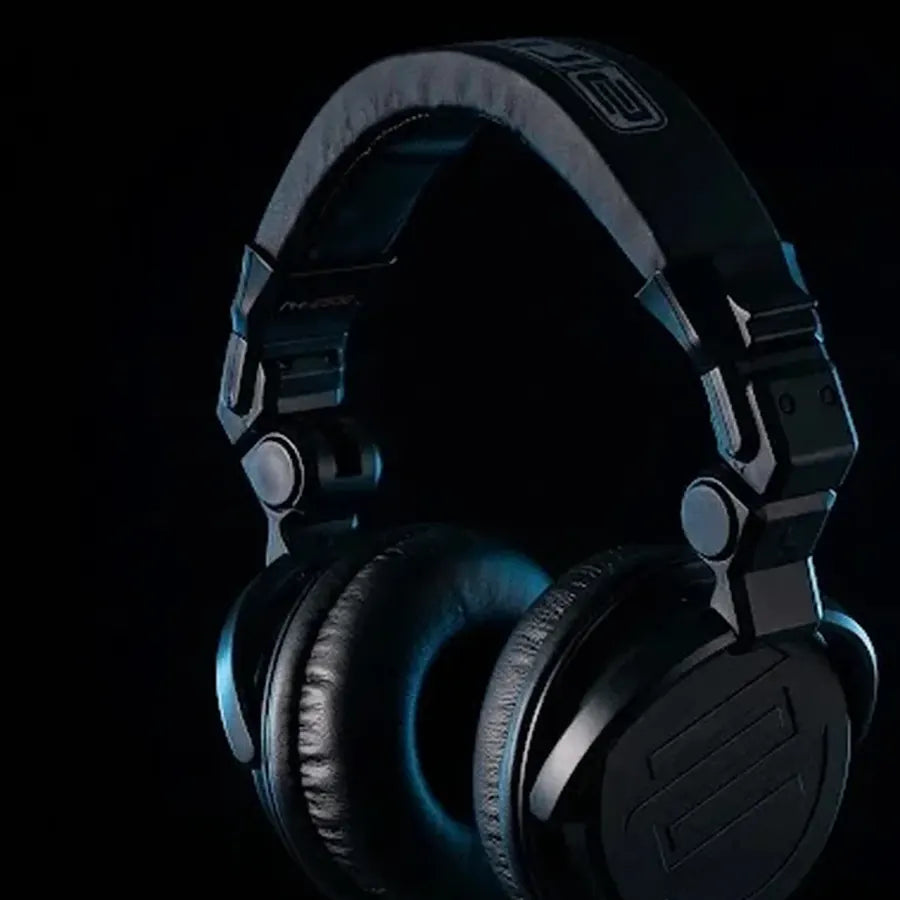
Tracking a mic while your speakers play the backing track lets that sound spill straight back into the recording as an echo. Closed-back headphones solve this by isolating the sound so only your voice or instrument reaches the mic — which is exactly why the Sennheiser HD 280 PRO (₹7,250) is a home-studio staple. Reserve open speakers for mixing, once nothing is being recorded.
6. Forgetting phantom power (or leaving it on wrongly)
A condenser microphone stays silent until you switch on the interface's +48V phantom power, and many beginners waste an hour thinking the mic is broken. Equally, switch phantom power off before unplugging a mic, and never send it to a ribbon microphone, which it can damage. Knowing which mic needs +48V — condensers yes, dynamics no — saves confusion and protects your gear.
7. Spending on the interface instead of the whole chain
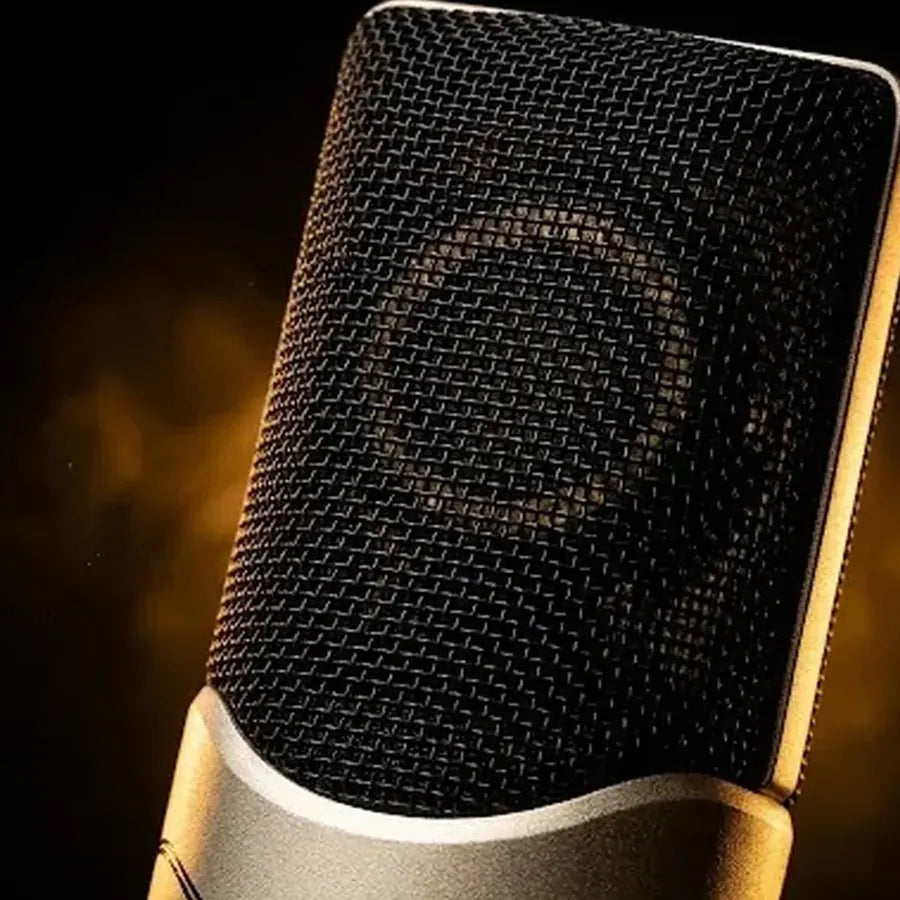
An expensive interface feeding a weak mic in an untreated room is a classic misallocation of budget. The microphone shapes your sound the most, the room shapes it next, and the interface — once it's competent — barely changes the result. Balance your spend across mic, monitoring and acoustics, and browse the microphones & studio collection to build the parts that genuinely move the needle.
Frequently asked questions
What is the most common audio interface setup mistake?
The most common mistake is setting the input gain wrong — too low gives a hissy signal, too high causes clipping. Perform at your loudest and set the gain so the meters peak just below the red, and most other quality problems disappear.
Why does my audio interface recording sound noisy?
Noise usually comes from the room and mic position rather than the interface itself, especially in a hard, empty space with fans or traffic nearby. Record in a soft-furnished corner and move the mic closer to your source before blaming the hardware.
Do I need special drivers for my audio interface?
Yes, particularly on Windows, where the ASIO driver is what delivers low, stable latency. Install the manufacturer's driver before recording, then choose a small buffer size while tracking and a larger one while mixing.
Should I buy a more expensive interface to sound better?
Usually not — once an interface is competent, extra money is far better spent on the microphone, closed-back headphones and room treatment. Those shape your recorded sound much more than a pricier converter ever will.
Want clean takes without the guesswork? Get the mic and closed-back monitoring that make the biggest difference in the microphones & studio collection.